Email templates
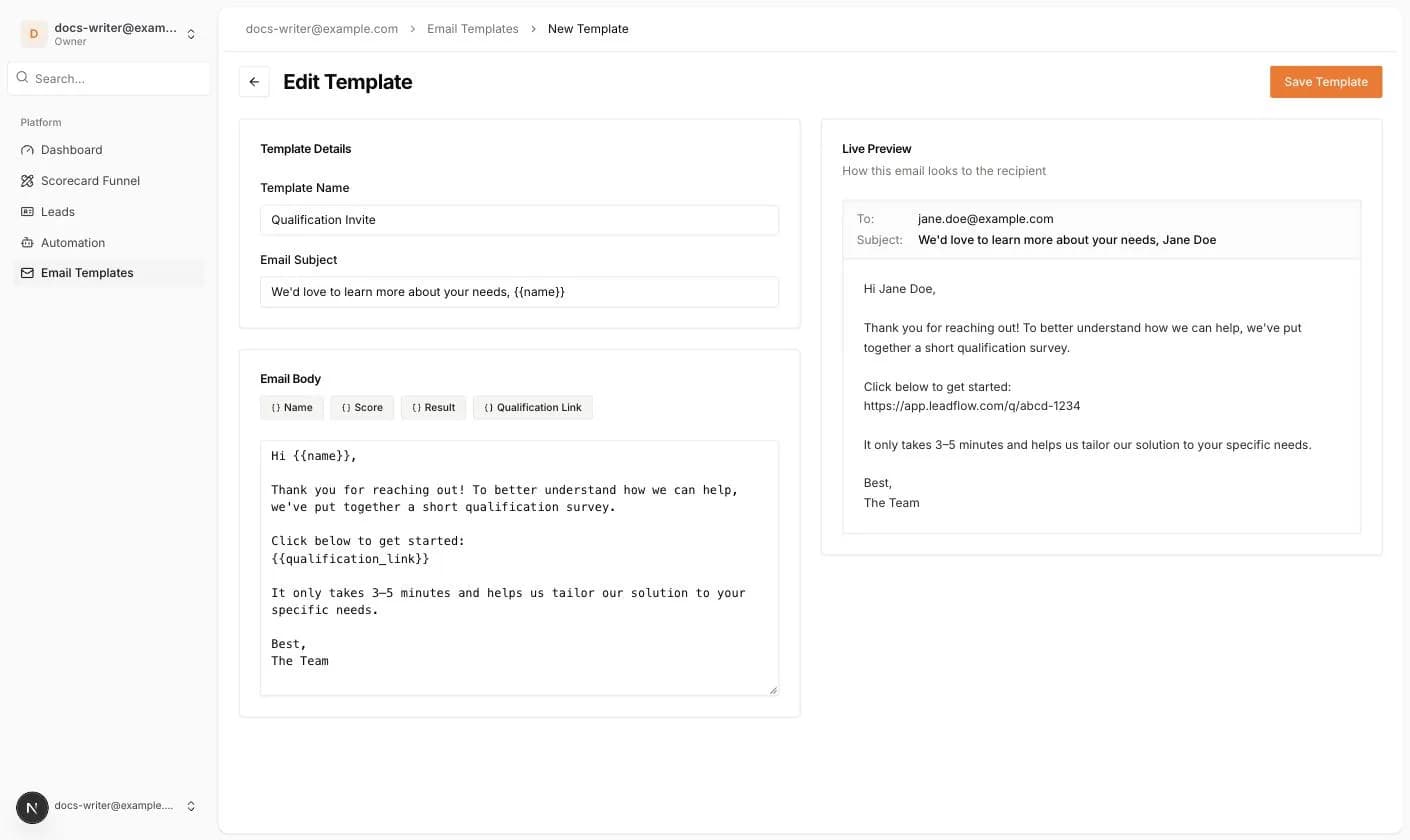
Email actions need a template. Open Email Templates in the left menu and click New Template. A template has a Template Name, an Email Subject and an Email Body. The buttons above the body insert the variables Name, Score, Result and Qualification Link, written as {{name}}, {{score}}, {{result}} and {{qualification_link}}. The Live Preview on the right shows how the email looks.
Sending address and inboxes
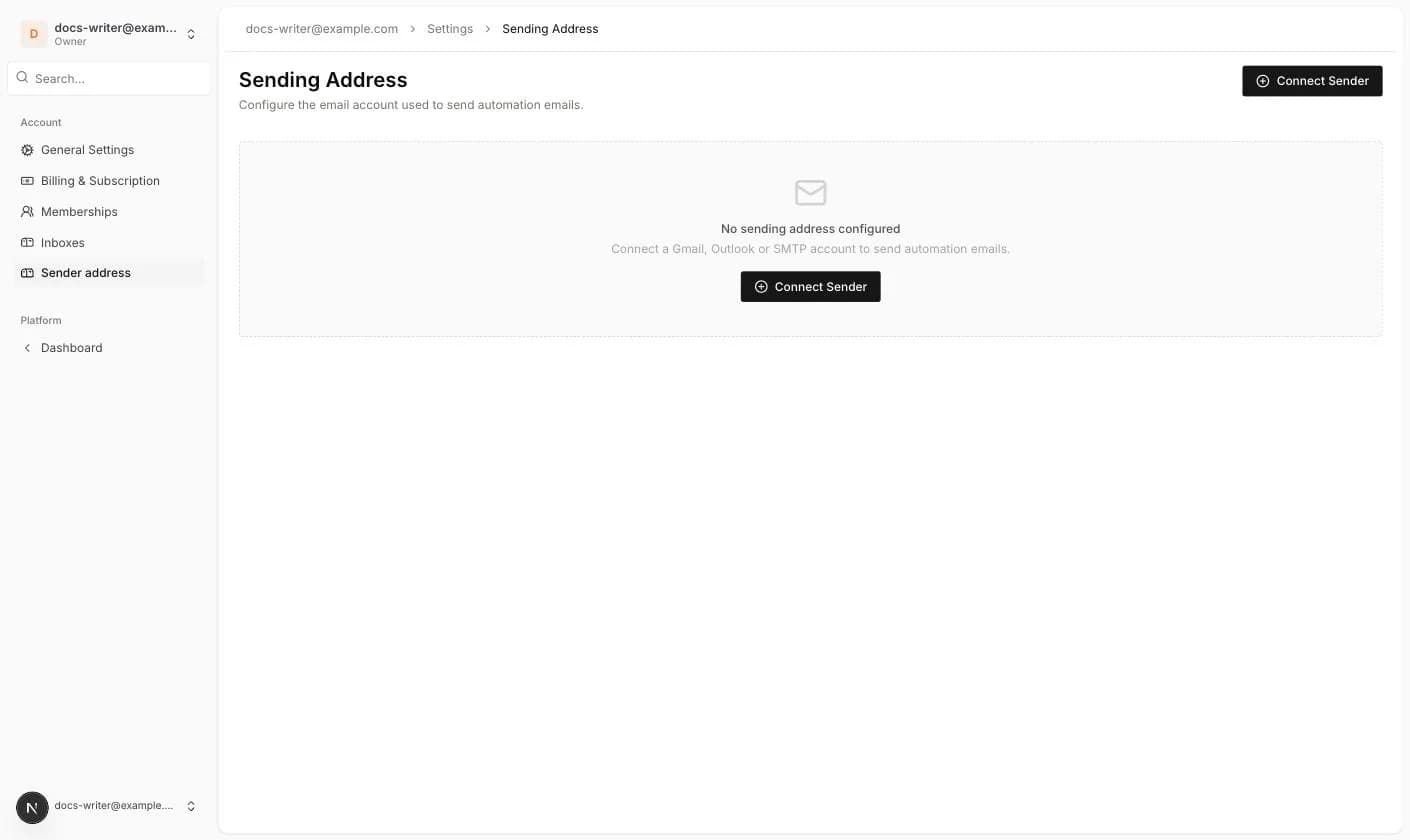
Emails are sent through the Sending Address configured under Account Settings > Sender address. You can connect Gmail, Outlook or an SMTP account. Without one, automation emails fall back to the default Pivix mailer.
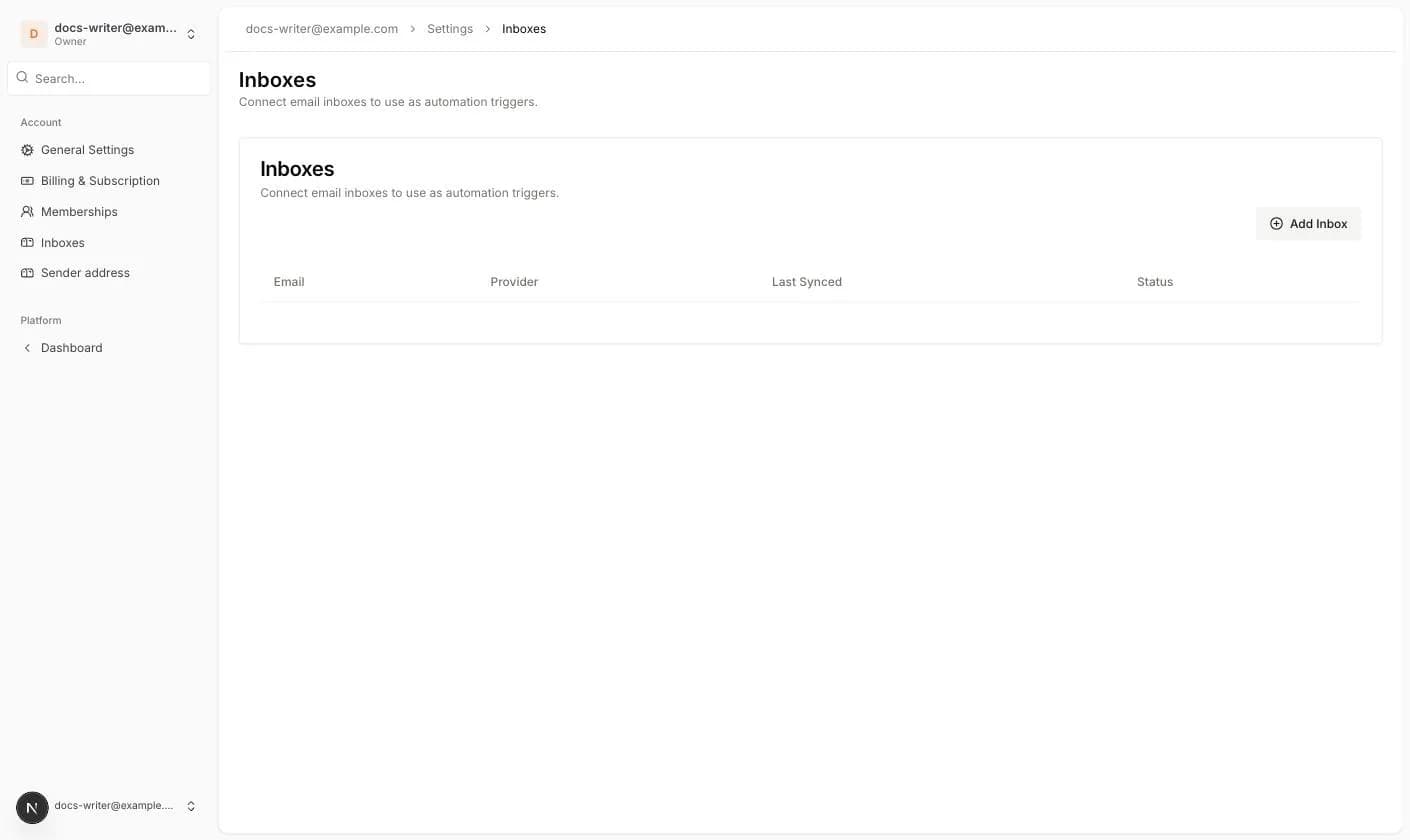
The Incoming Email trigger needs an inbox. Under Account Settings > Inboxes you can connect Gmail, Outlook or an IMAP mailbox. The list shows the Email, the Provider, when it was Last Synced and its Status.