
Pivix Logo
Back to Automation

Testing Automations and Executions

Run a test and check the executions of an automation.

Verified against Pivix on September 29, 2026

Testing and executions

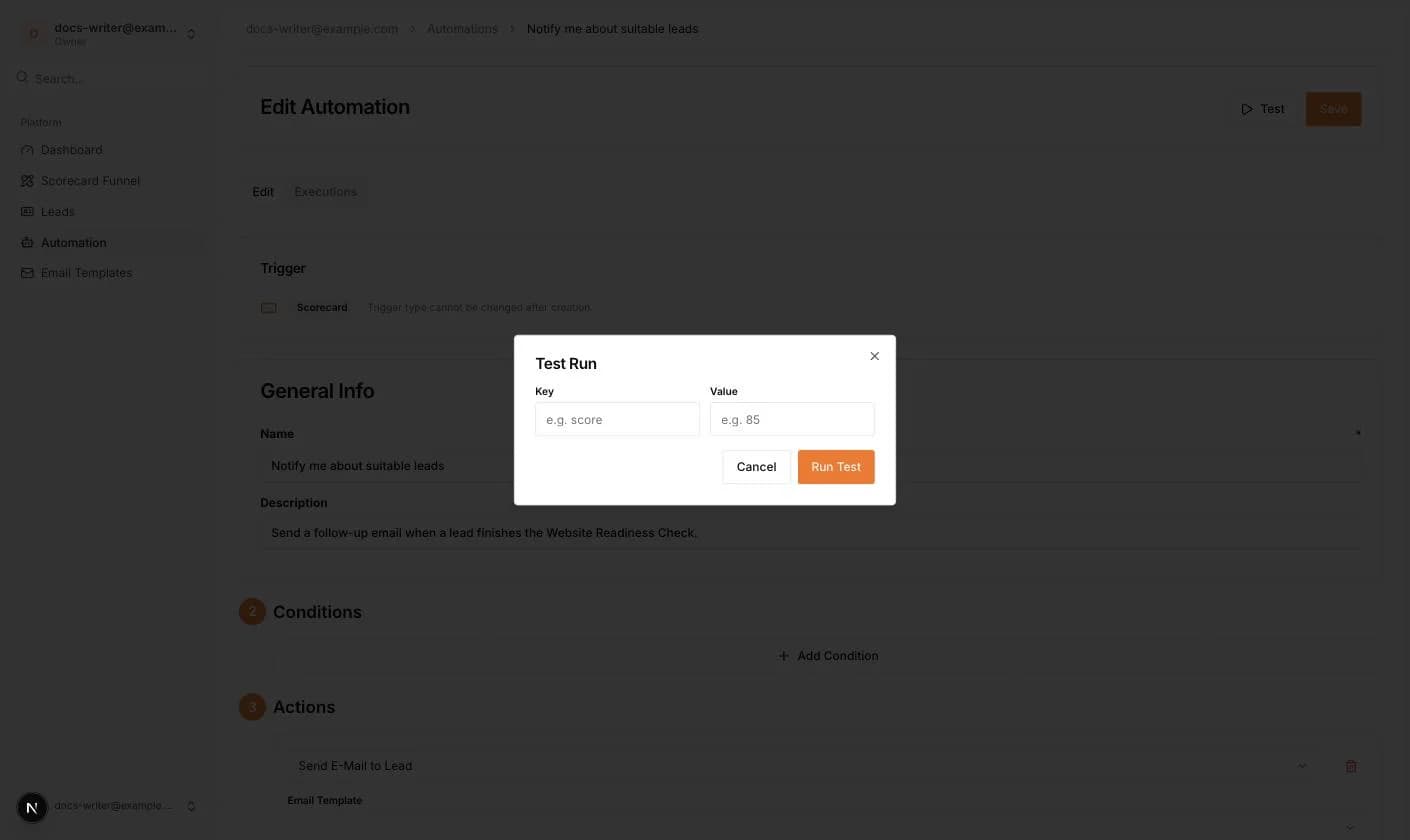
The editor of a saved automation has a Test button. It opens a Test Run dialog where you enter a Key and a Value as input payload and click Run Test. Email triggers need no payload. The run is queued and appears in the Executions tab, which lists the last executions with their status and log.
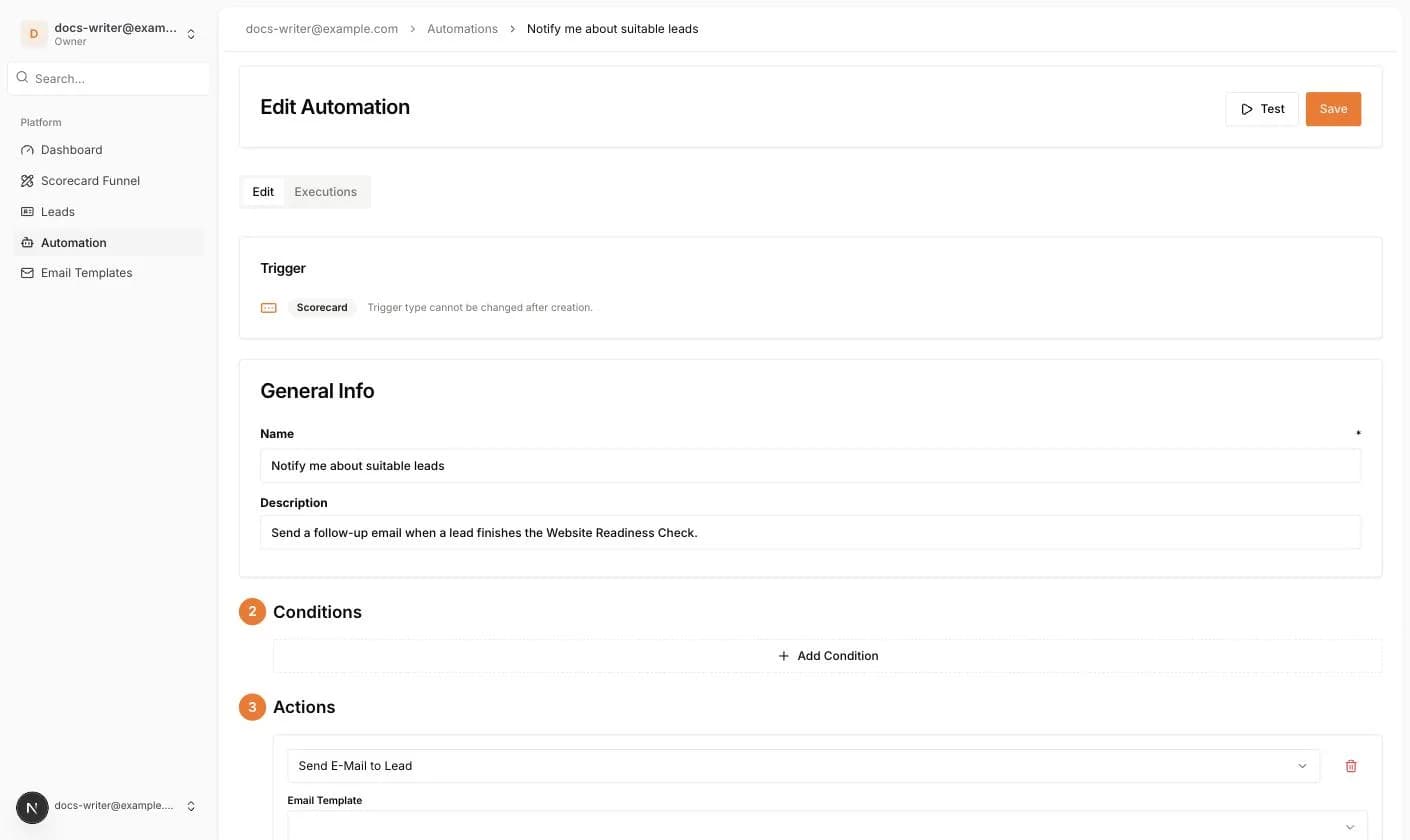
The Edit Automation page with Test and Save buttons and the Edit and Executions tabs
The Test Run dialog
The Test Run dialog

More in this category

Still need a hand?

Our team is happy to help you get unblocked. Reach out and we'll get back to you quickly.

Contact support