Publish and share
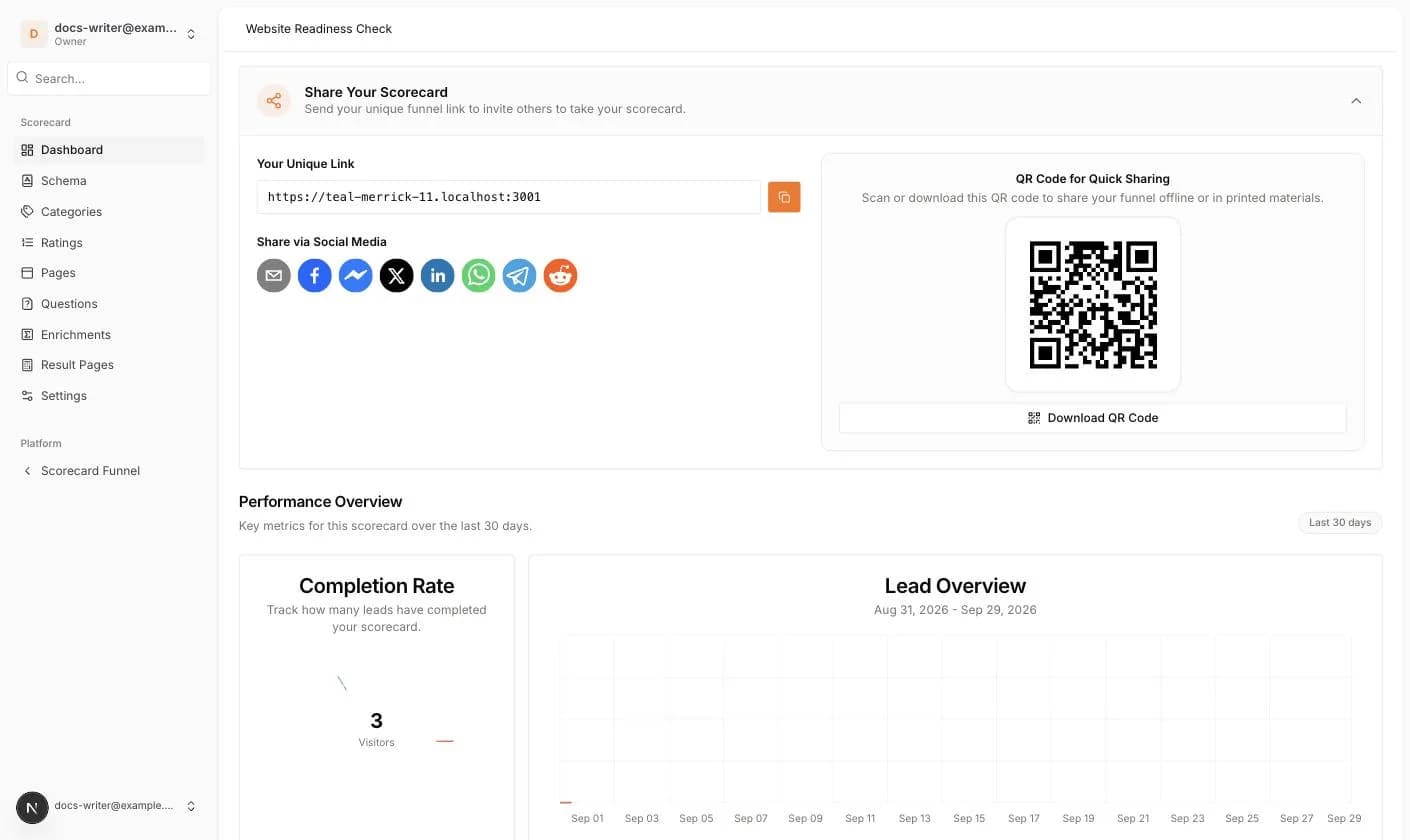
Share Your Scorecard shows Your Unique Link with a copy button, social share buttons (email, Facebook, Messenger, X, LinkedIn, WhatsApp, Telegram, Reddit) and a QR Code for Quick Sharing that you can download.
The Performance Overview shows the Completion Rate, a Lead Overview chart, Visitor Statistics, the Conversion Rate, the Drop-off Rate and the answering times for the last 30 days.
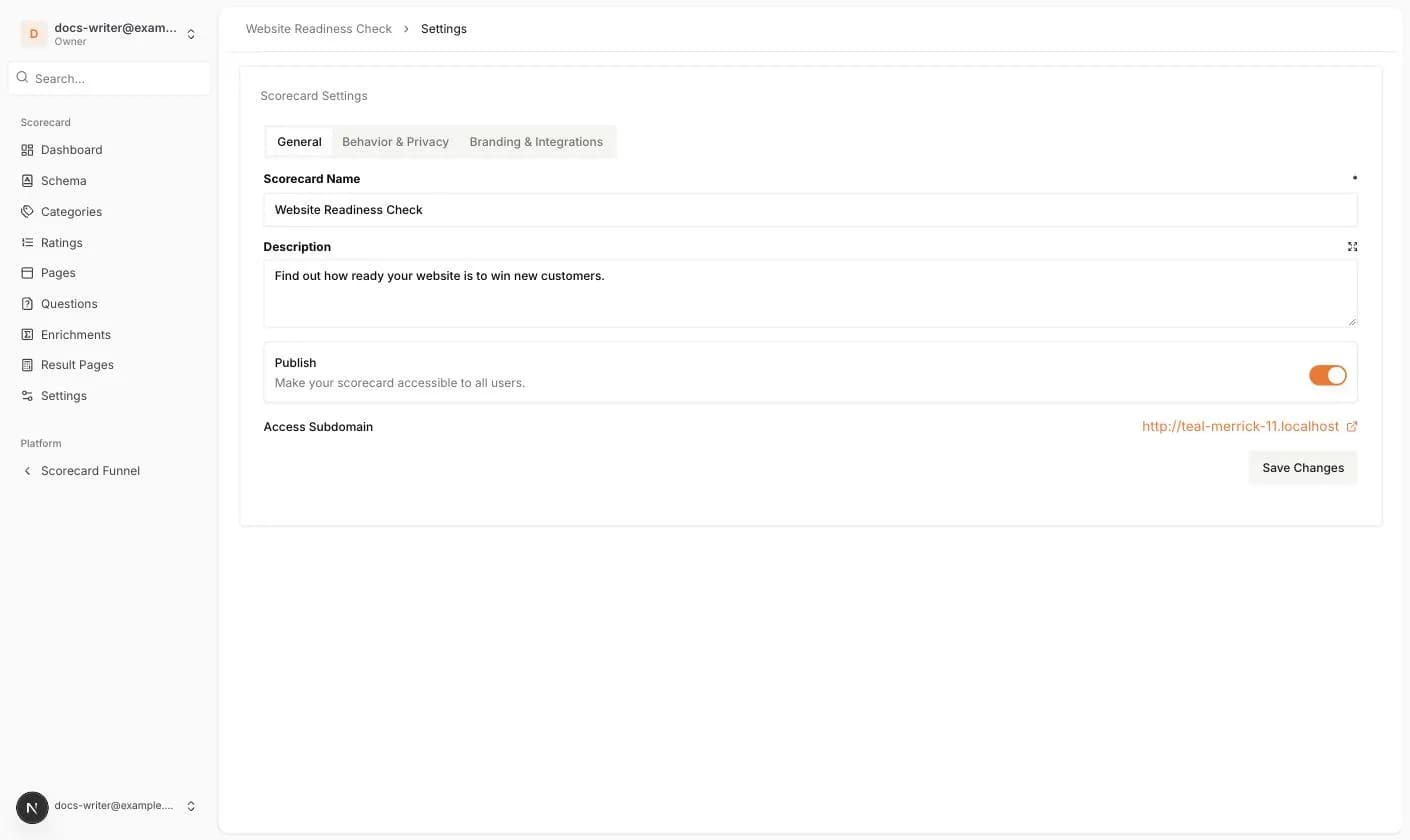
- 1Open Settings > General and switch on Publish.
- 2Click Save Changes. The toast says Scorecard updated.
- 3Go back to the Dashboard. The checklist is replaced by Share Your Scorecard and a Performance Overview.
What your visitors see
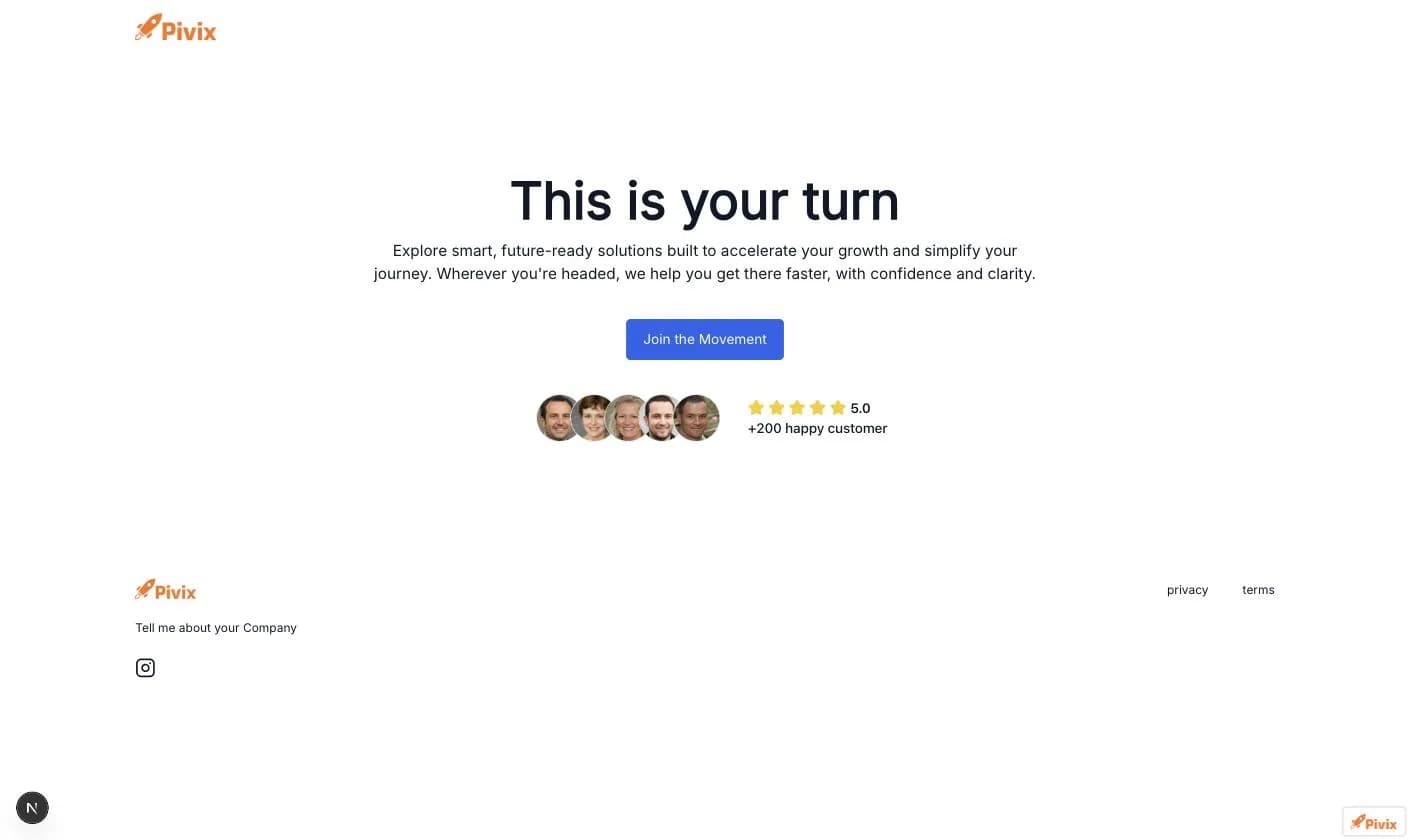
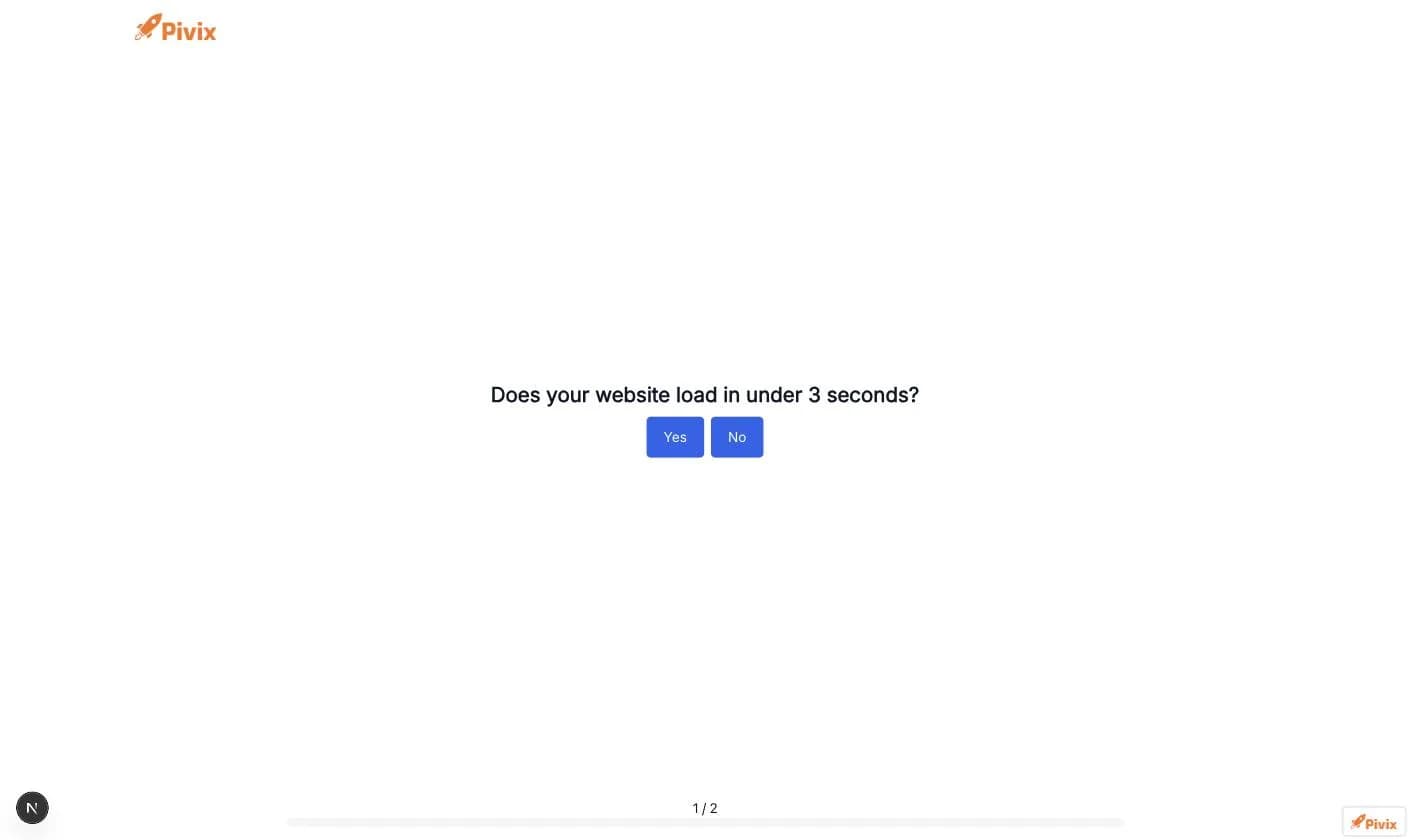
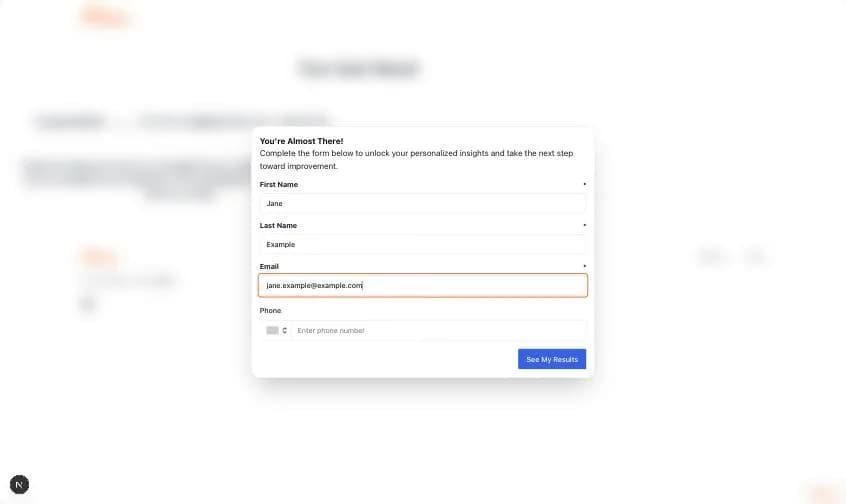
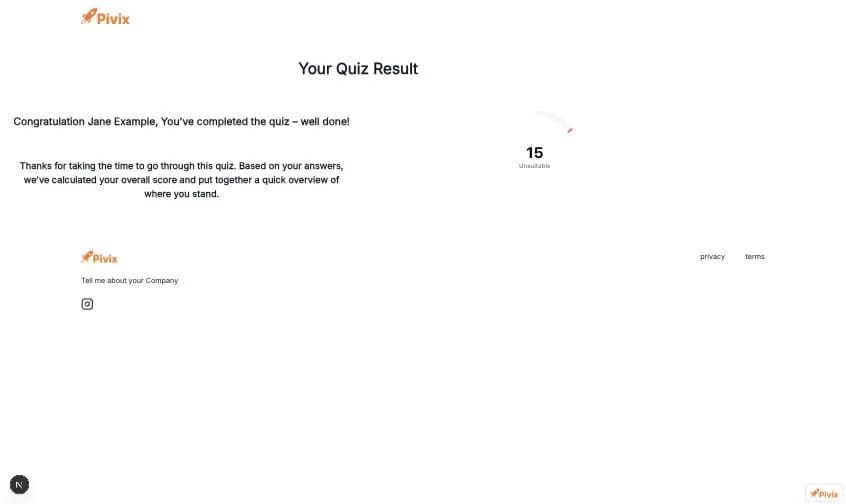
When someone opens your link they see the consent dialog (if enabled), then the default landing page. The start button opens the questions one by one with a progress bar. After the last question the You're Almost There! form asks for the contact details. Once it is sent, the result page shows the score and the tier.
Every finished quiz creates a lead in Leads and sends a New Lead Completed Scorecard email to the account owner and to team members with lead access.