Questions
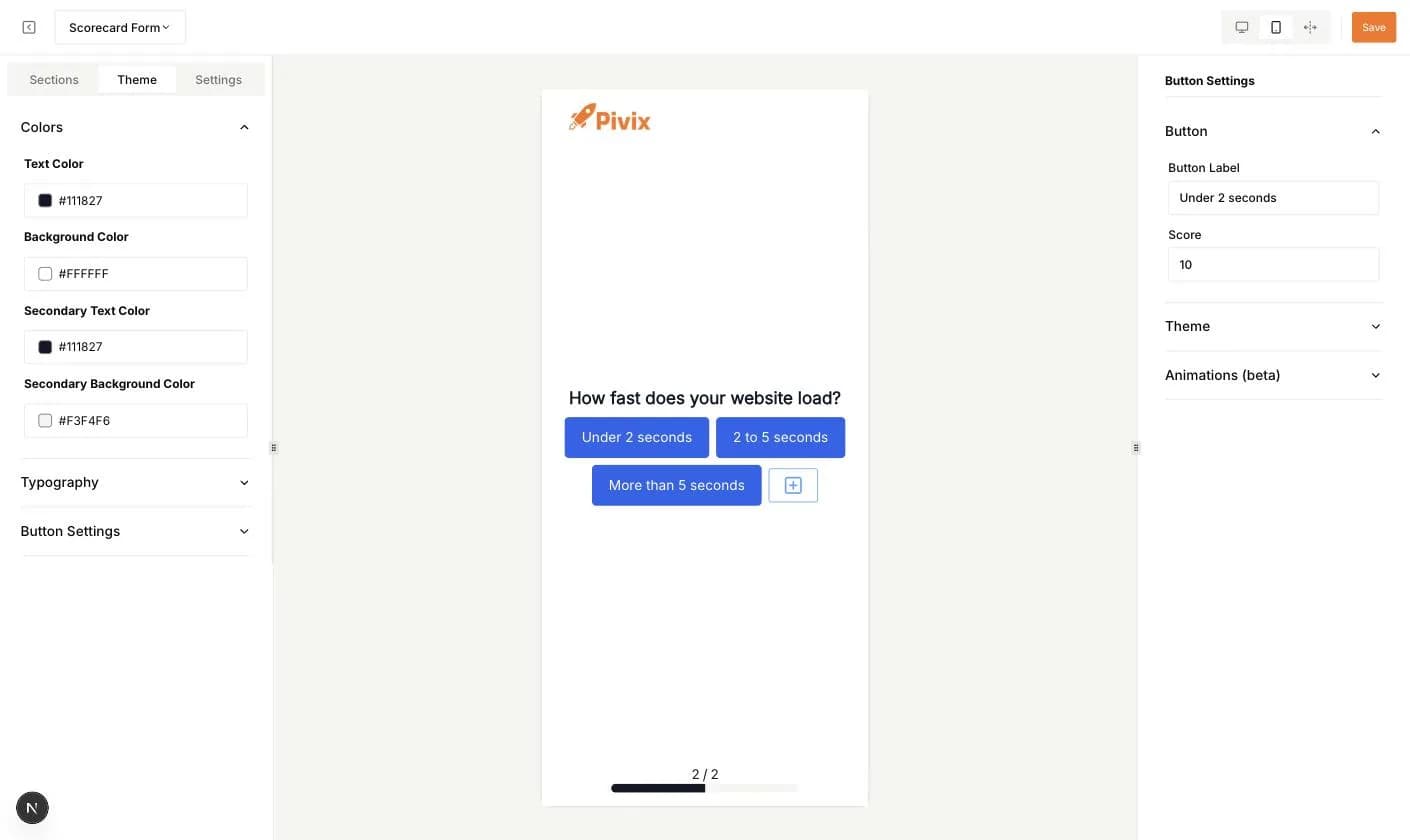
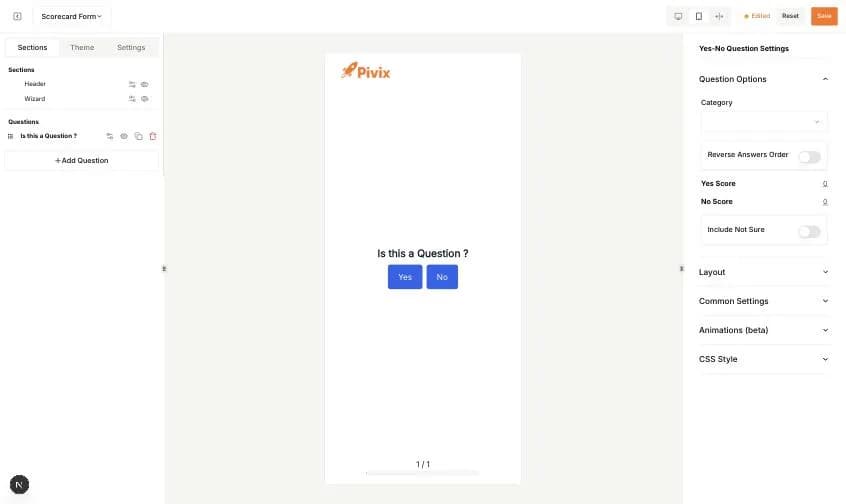
Questions are built in a visual editor. The left panel lists the Header and Wizard sections and your questions. The middle shows a live preview. The right panel shows the settings of whatever you click. Use the icons at the top right to switch between desktop, mobile and full-screen preview, and click Save when you are done.
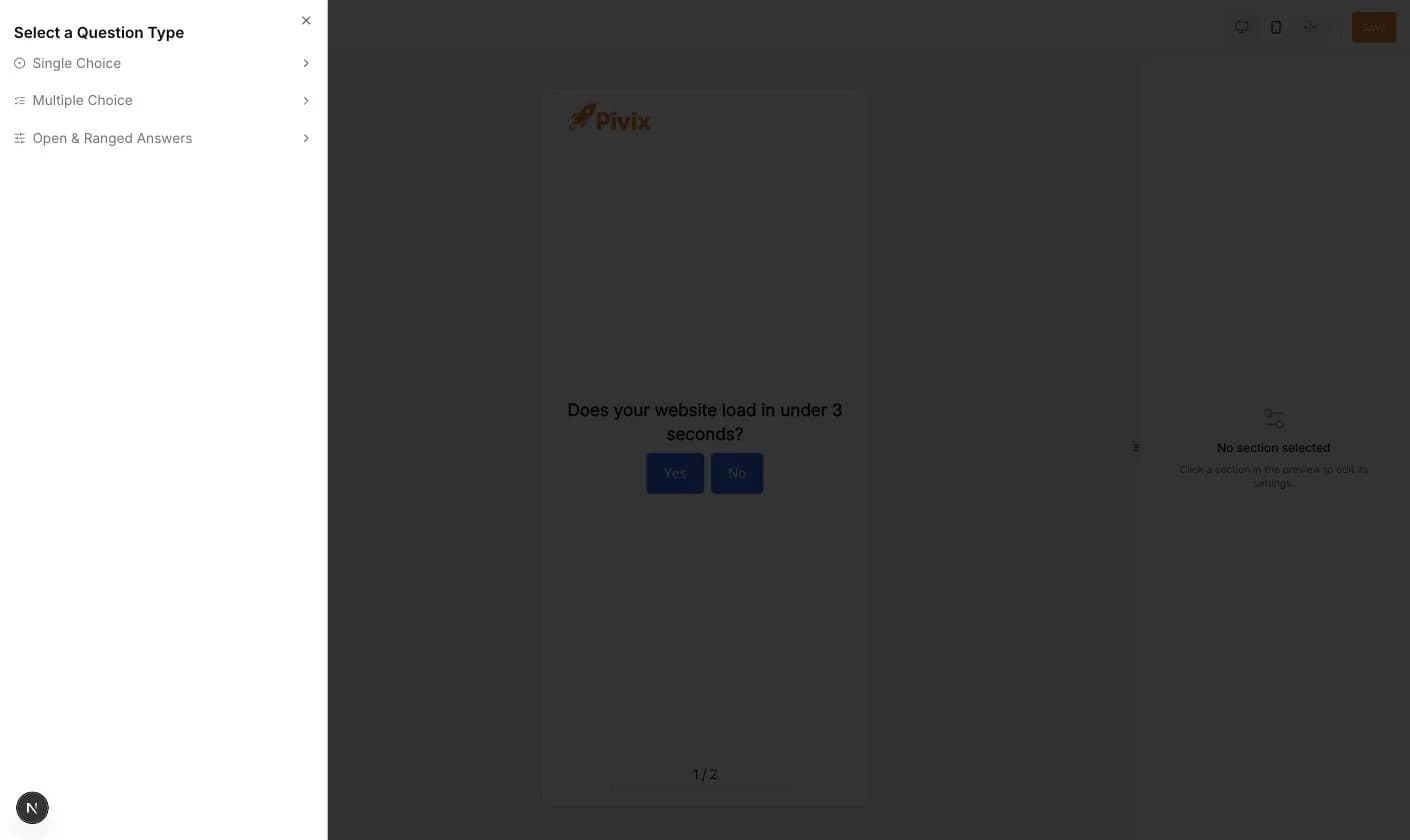
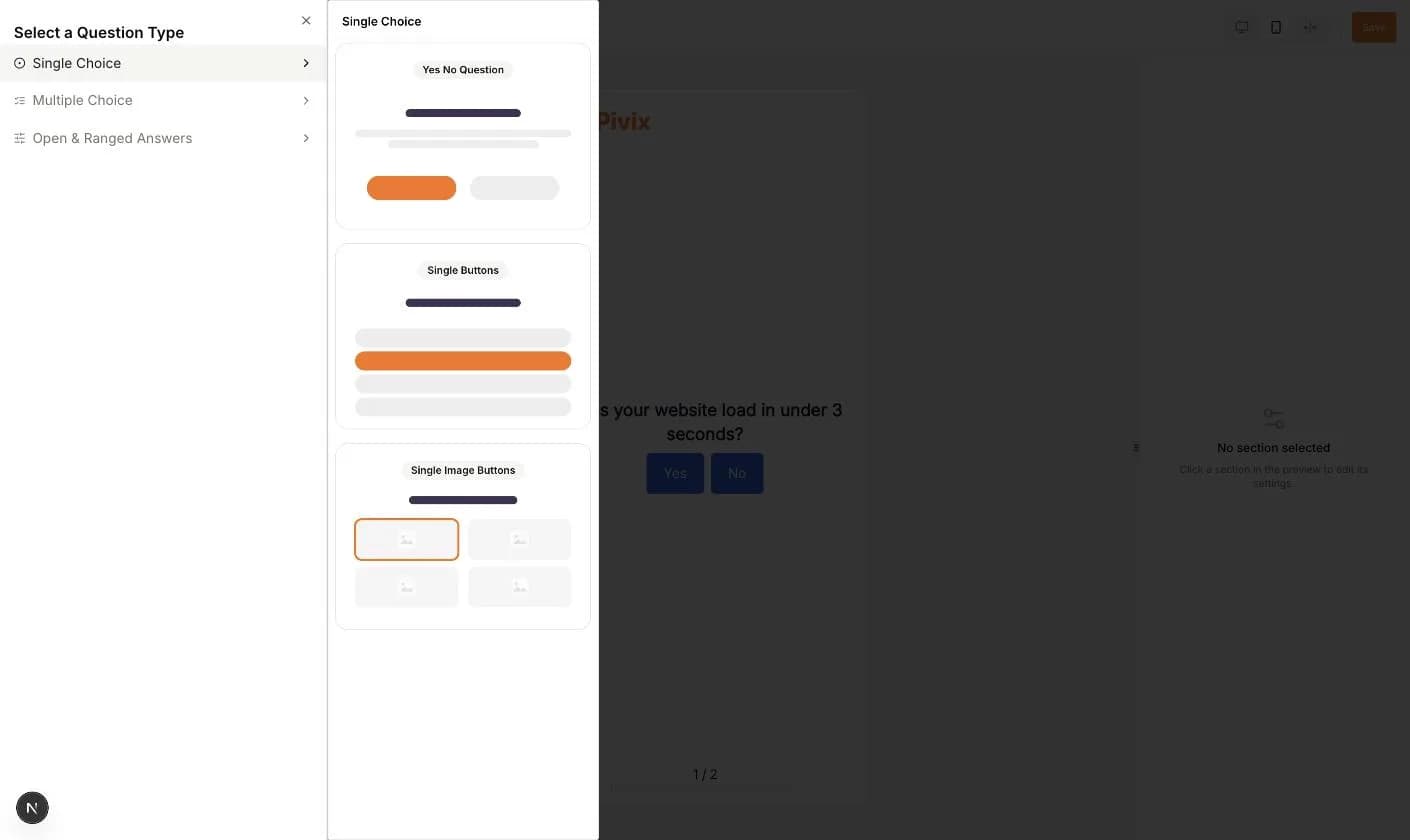
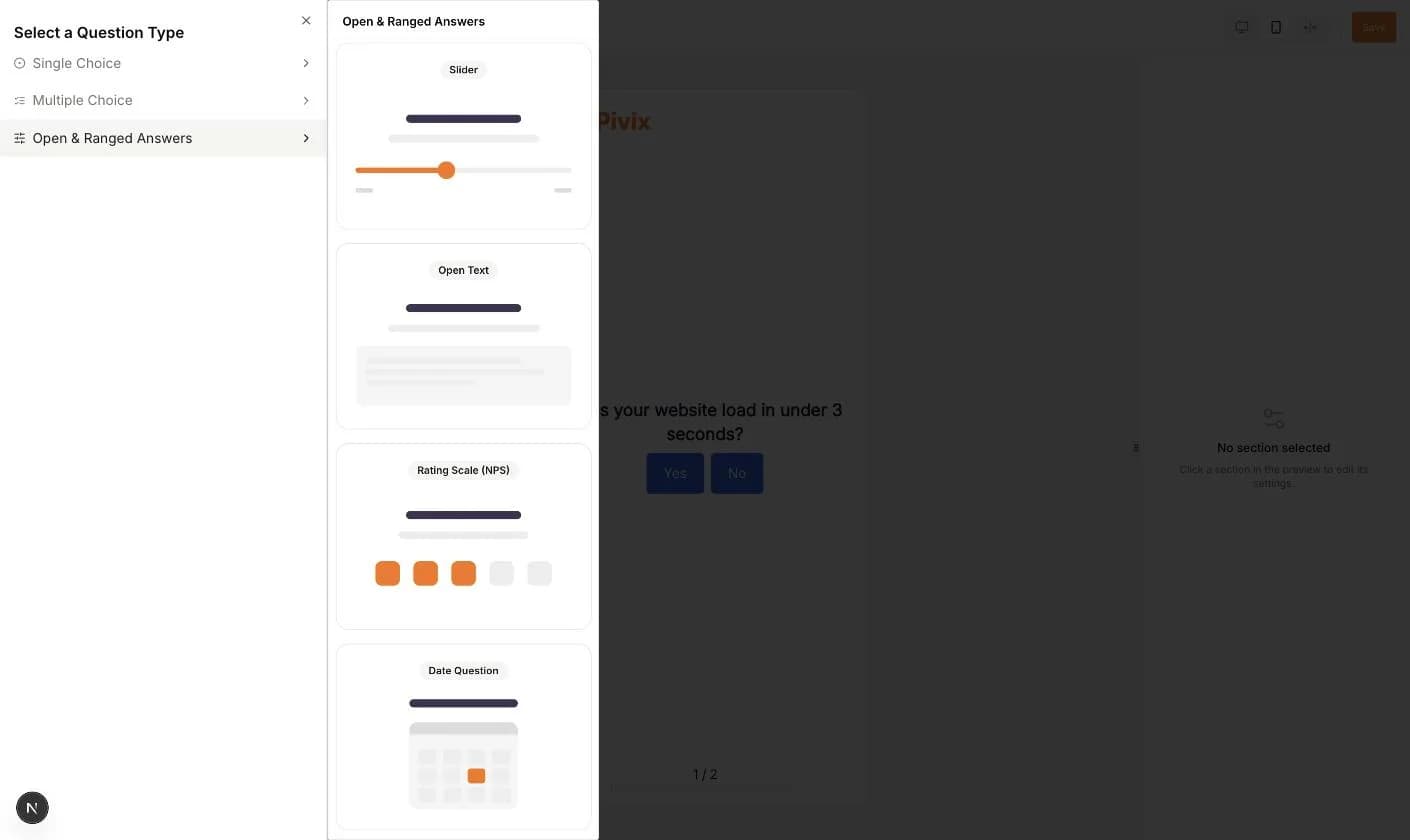
Click Add Question to open the question type picker. It has three groups.
- Single Choice: Yes No Question, Single Buttons, Single Image Buttons.
- Multiple Choice: Multiple Buttons, Multiple Image Buttons.
- Open & Ranged Answers: Slider, Open Text, Rating Scale (NPS), Date Question, Welcome Screen, Exit Screen.
Editing a question
- 1Click the question text in the preview to edit it. A small toolbar offers bold, italic, underline and other text styles.
- 2Click the sliders icon next to a question in the left list to open its Question Options.
- 3Pick a Category from the dropdown. This is optional.
- 4Set the scores. A Yes/No question has Yes Score and No Score, a Reverse Answers Order switch and an Include Not Sure switch with its own score.
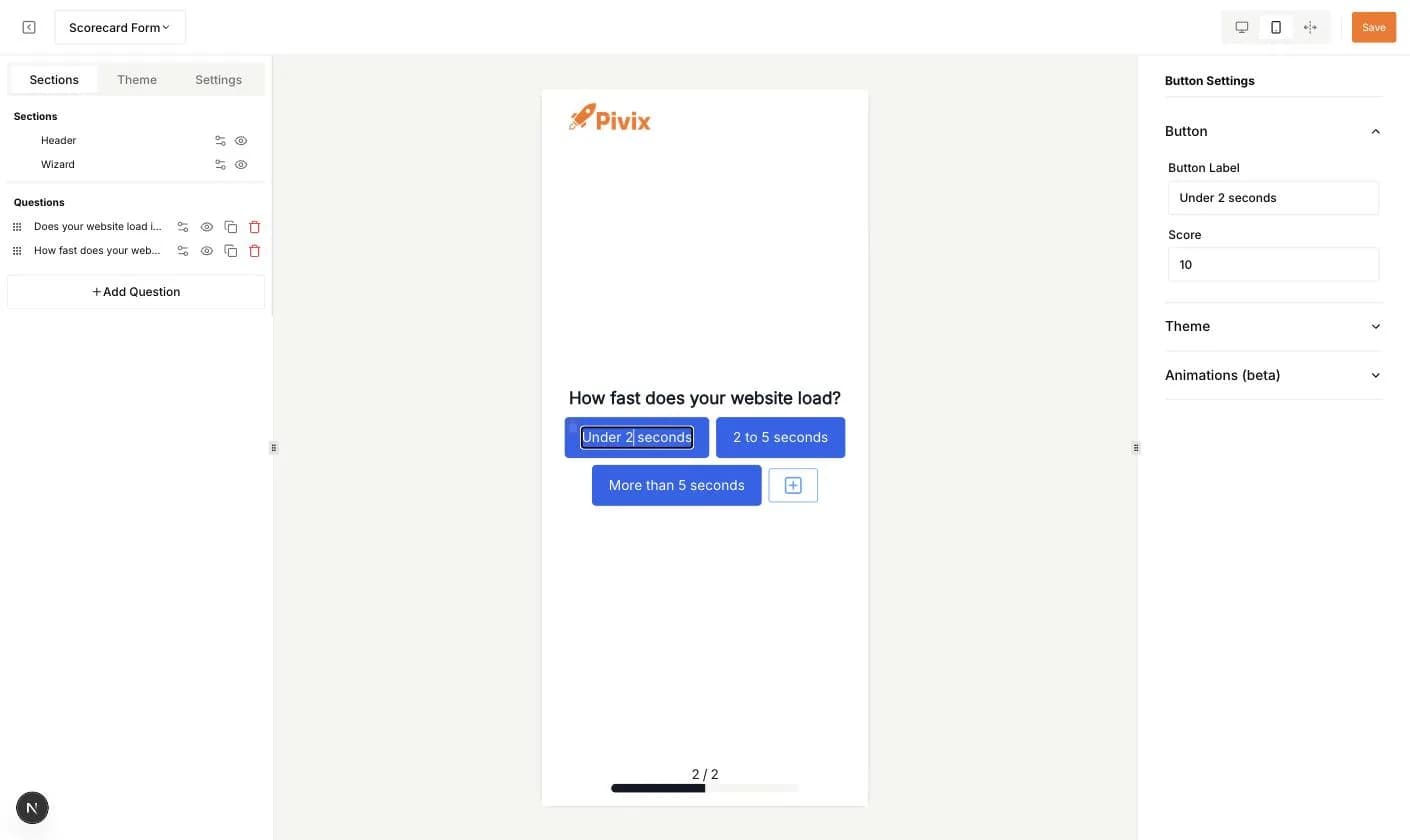
- 5For button questions, click an answer button in the preview. The right panel shows Button Label and Score for that answer. Use the plus button to add an answer and the trash icon to remove one.
- 6Click Save in the top bar.
Question list actions
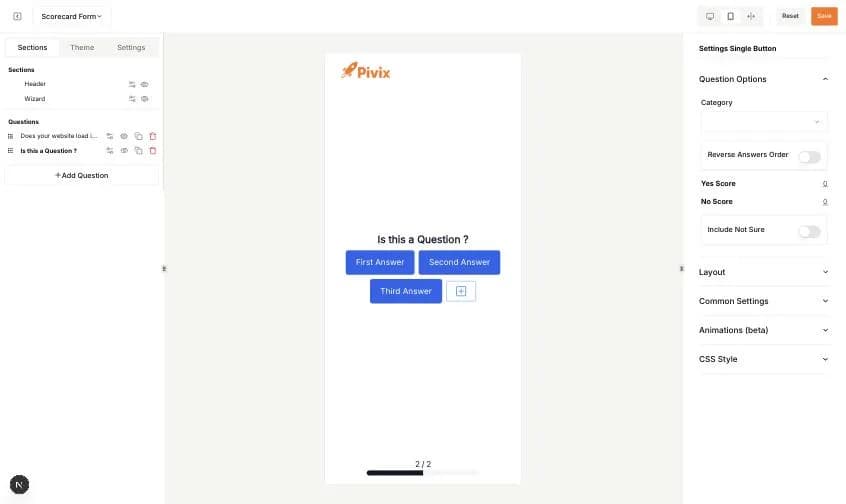
- Drag the handle on the left to change the order.
- The eye icon hides or shows a question.
- The copy icon duplicates a question.
- The trash icon deletes a question after a confirmation.
- Shuffle Questions and Limit the Number of Questions are set in Settings, not here.
Theme and Settings tabs
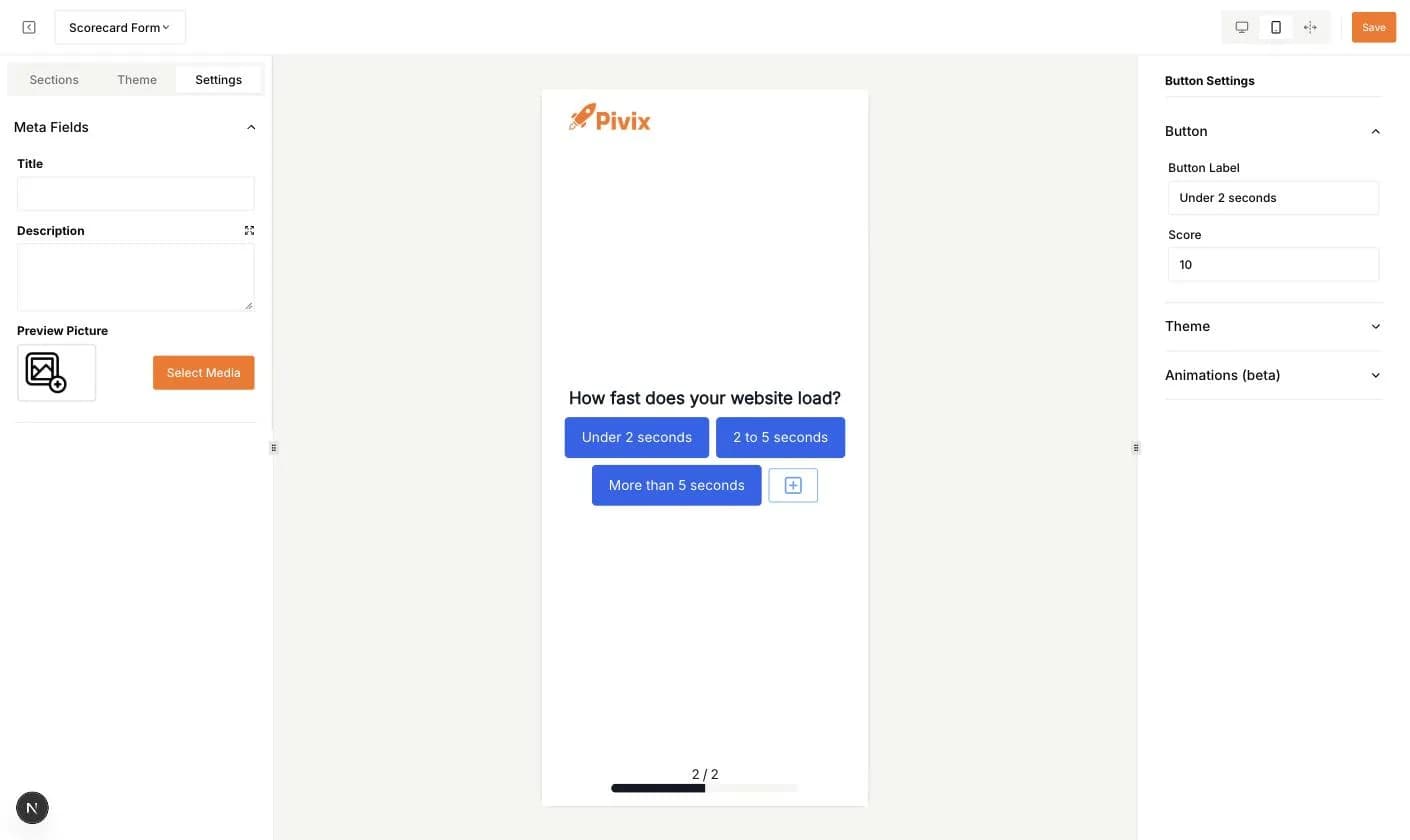
The Theme tab sets the colors (text, background, secondary text, secondary background), the typography and the button styles of the whole quiz. The Settings tab holds the meta fields: Title, Description and a Preview Picture used when the quiz link is shared.
Click the Wizard section in the left list to change the text color, background and spacing of the question area.